
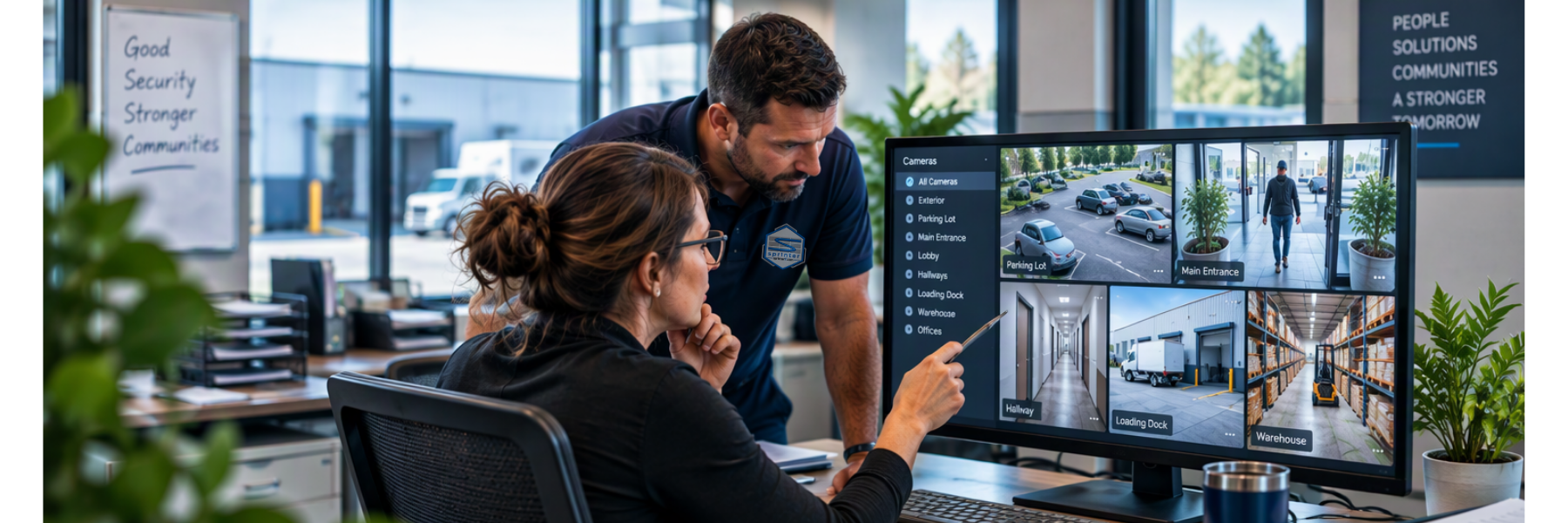
It’s Monday morning, and before you’ve finished your first cup of coffee, someone stops by with a question:
“Can you check the cameras?”
Maybe a piece of equipment went missing. A vehicle was damaged in the parking lot. Someone entered an area they shouldn’t have. Or something happened over the weekend that your team needs to understand.
Whatever happened, everyone is looking for the same thing:
Answers.
So you open the camera system and start searching.
Which camera? What time? Which direction? How far back?
Ten minutes of footage becomes thirty. Thirty minutes becomes an hour as you switch between cameras, rewind, fast-forward and try to piece together what happened.
Your cameras may have captured everything.
The challenge is finding the moment that matters.
Your Security Camera System Should Help You Find Answers
Recording video is important. But recording something and being able to find it when you need it are two very different things.
With a basic camera system, someone may need to estimate when an incident happened, figure out which cameras were most likely involved and start working through footage one camera at a time.
Modern security camera systems can make that investigation much more efficient.
Depending on the system and camera placement, authorized users may be able to narrow a security camera footage search by time, location, motion, people or vehicles and follow activity across multiple camera views.
The goal isn’t technology for technology’s sake.
It’s helping your people get to useful information faster.
From “Something Happened” to “Here’s What Happened”
Consider a vehicle that was damaged sometime between employees arriving in the morning and lunch.
Your team knows something happened. They just don’t know exactly when, how or what camera captured it.
Being able to narrow the search could turn hours of scrolling through video into a much more focused investigation.
And once you find the right footage, the technology has done its part.
Your people still provide the judgment.
Maybe the video clears up a misunderstanding. Maybe it needs to be shared with law enforcement. Maybe it shows something about the environment that deserves another look.
The camera provides information.
Your team decides what happens next.
What Could the Search Tell You?
Every investigation can also tell you something about the security system itself.
You might discover:
- An entrance that needs better visibility
- A camera angle that isn’t capturing what you expected
- An area where activity is difficult to see
- A delay between something happening and your team becoming aware of it
- An opportunity for cameras, alerts or access control to work together more effectively
Those observations don’t necessarily mean the system failed.
They mean you learned something useful.
We’ll dig further into what to do after you find the footage in a follow-up Sprinter Insights article.
How Long Would It Take You?
You don’t need to wait for an incident to find out.
Pick a realistic situation at your organization.
A vehicle is damaged.
Equipment disappears.
Someone enters an area they shouldn’t.
An employee reports something that needs to be investigated.
Now ask:
How long would it take us to find what happened?
If the answer involves someone blocking off the afternoon to scroll through video, there may be a better way.
Modern camera platforms such as Verkada can give authorized users tools to narrow investigations and find relevant footage more efficiently.
But the bigger question isn’t which camera brand you own.
It’s whether your physical security system gives your people the information they need when they need it.
Take a Look Before You Need the Footage
A camera-system review doesn’t have to start with replacing equipment.
Start with what you already have.
Where are your highest-priority areas? What would your team need to see if something happened there? Are your cameras positioned to capture it? Can authorized users find footage efficiently? Are there blind spots?
Sprinter can walk through your current camera environment with your team, talk about how you actually use it and help identify opportunities to strengthen your physical security approach.
Because capturing what happened is important. Finding the answer when you need it is better.
Schedule a Camera System Review →
Explore Sprinter Physical Security →
We have IT covered.